Edit DBF file
Editing a DBF file is either modifying its structure or changing the information it holds. Editing the structure of DBF file is described here, while the present article shows how you can edit a record in your DBF file.
In the main window of the program select the record you want to change and double-click it or simply press Enter. This will open the Edit Record dialog which is very similar to the New Record dialog box.
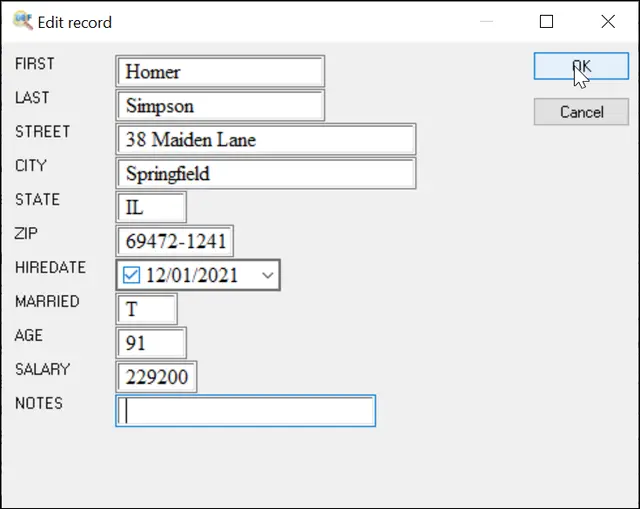
The program automatically populates the dialog box with all fields of the selected record and their corresponding values. To edit any value, click the field and make the necessary changes. Some specific field types like Memo or Date has built-in editors that allow you to modify such values easily.
To save changes, click the OK button. To abandon changes, click Cancel.
Note: to enter some value to the same field in multiple records at once, use the Fill command.
See also: Replacing records in dbf file, Modify DBF structure
Back to DBF Viewer 2000 Home